 SiImageGen
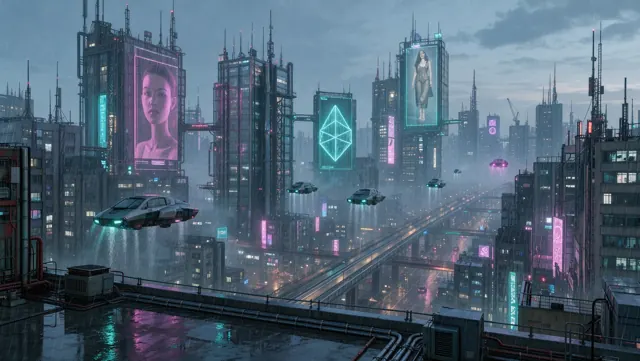
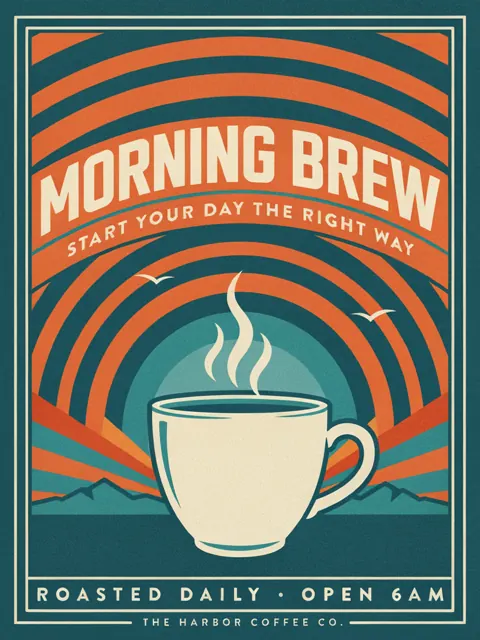
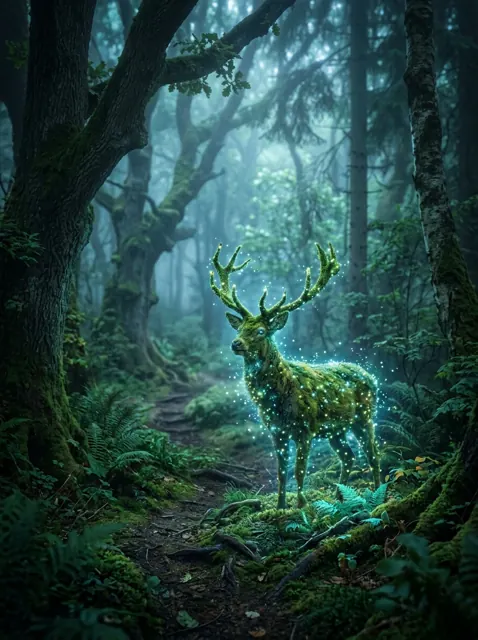
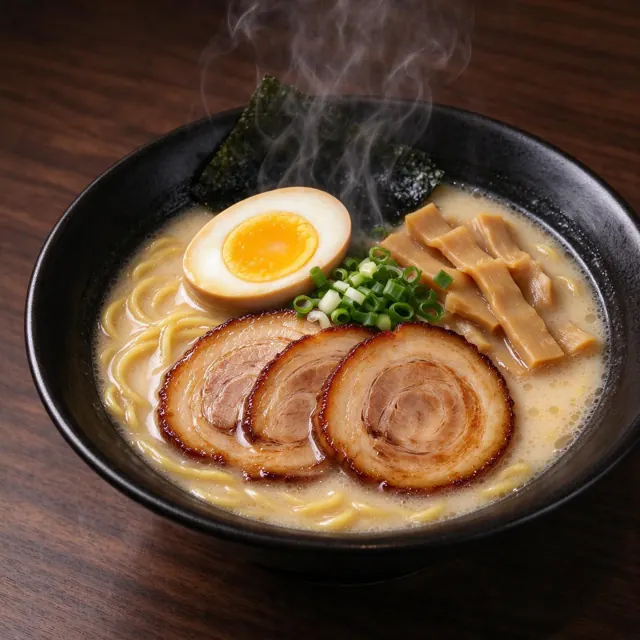
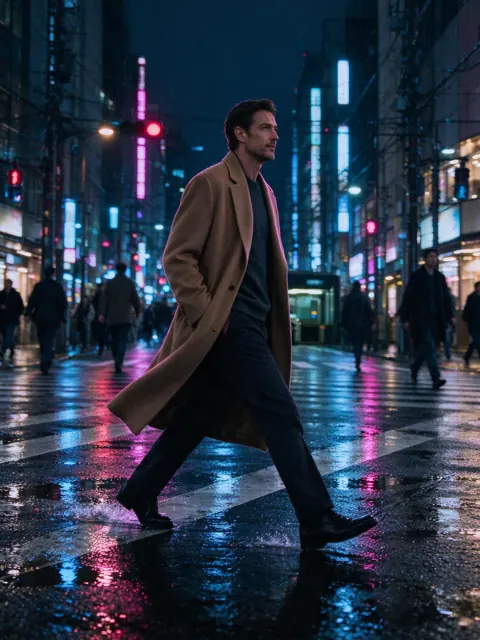

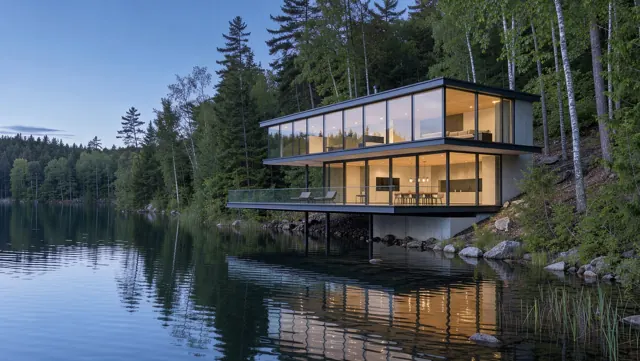
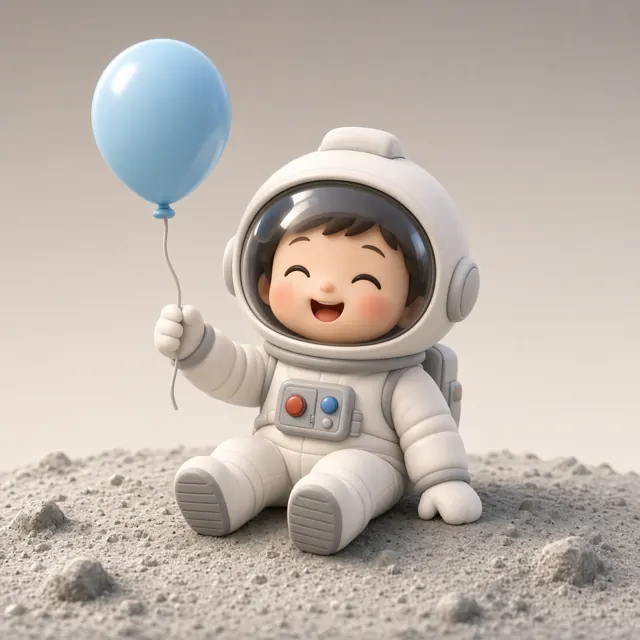
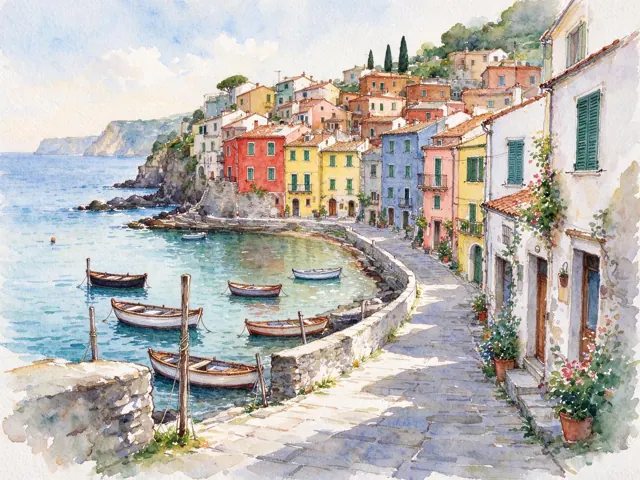
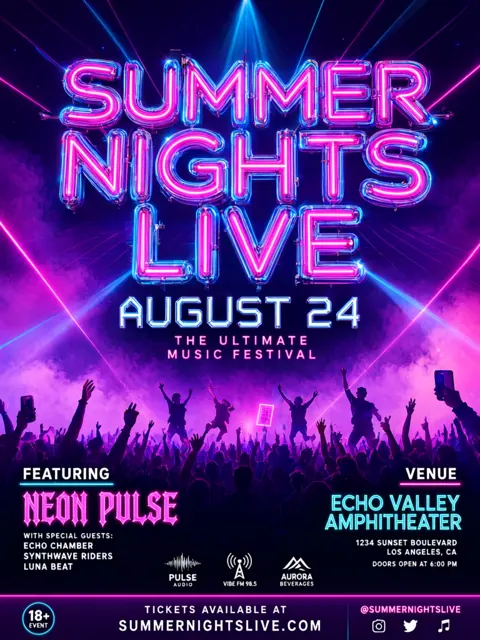
What the SI image generator does
SiImageGen puts the strongest image models in one place with one credit balance. Type what you want to see — the subject, the setting, the light, the style — and the SI image generator returns finished pictures in a few seconds. Add a photo and the same box becomes an editor: keep your product, face or room and change what is around it. You never juggle separate accounts, and you only pay for the images you actually receive.
The name follows the September 2026 executive order that tells US agencies to call artificial intelligence “super intelligence,” or SI. People still search for an AI image generator, and that is exactly what this is; we simply use the newer word. Whatever you call it, the job is the same: turn words into images that are good enough to post, print or sell.
How to make an image in three steps
- Describe the picture. Write one or two sentences: who or what is in it, where, the mood and the look (photo, poster, watercolor, 3D). Put any words that should appear in the image inside quotes. The Enhance button rewrites a short idea into a detailed prompt.
- Choose a model and a shape. Pick a model in the menu, then the aspect ratio — square for social posts, 16:9 for banners, 3:4 or 9:16 for phones — and how many images you want at once. The credit cost updates before you press anything.
- Generate, then refine. Results land in your Create feed. Open one to download it, reuse its settings, or press “Edit this image” to keep working on it with a new instruction.
Edit photos with plain instructions
Editing is where the newest models shine. Upload a product shot and ask for a beach, a marble counter or a holiday set; the bottle, label and colors stay as they are. Below, Nano Banana 2 moved a studio perfume photo to the seaside with one sentence. The same works for outfits, seasons, lighting, removing clutter or combining up to four reference images into one scene.
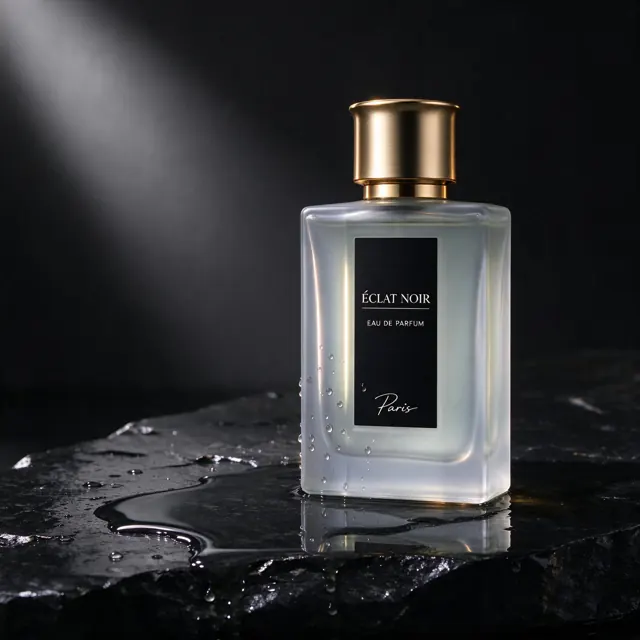
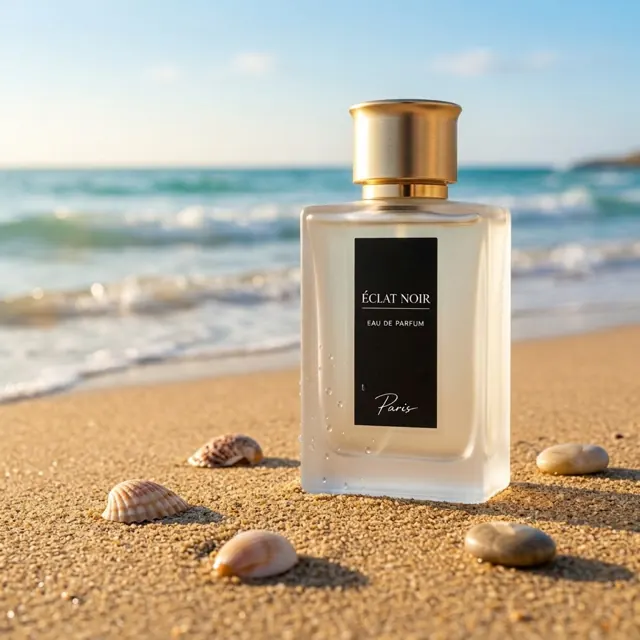
Image models in the SI image generator
Each model has strengths, so the SI image generator lets you switch per image instead of locking you into one. Prices are in credits for one image at the default quality; a credit costs about 0.90¢ on the Starter pack.
| Model | Best for | Edits | Credits |
|---|---|---|---|
| Flux 3Black Forest Labs | Photoreal people, products and places | Yes | 18 |
| Nano Banana 2Google | Natural photo edits and consistent characters | Yes | 29 |
| Nano Banana ProGoogle | Hero images where every detail matters | Yes | 54 |
| Seedream 5 FlashByteDance | Fast 2K drafts at the lowest price | Yes | 10 |
| Seedream 5 ProByteDance | Rich lighting, materials and faithful edits | Yes | 25 |
| GPT Image 2.5OpenAI | Long instructions, layouts and diagrams | Yes | 26 |
| Ideogram 4.5Ideogram | Logos, posters and readable typography | — | 22 |
| Qwen Image 3Alibaba | Text in many languages and clean edits | Yes | 15 |
| Grok Imagine Image 2xAI | Bold, stylized and playful ideas | Yes | 22 |
| Recraft 4.1 FlashRecraft | Icons, stickers and flat illustrations | — | 3 |
New releases arrive here quickly. Flux 3 went live on October 1, 2026, and is already in the menu. Read the Flux 3 guide, the Nano Banana 2 guide or the Seedream 5 guide for samples, settings and costs of each model.
What people make with it
- Product photos — clean studio shots, lifestyle scenes and seasonal backgrounds for shops and ads, without a photo shoot.
- Social posts and thumbnails — eye-catching images in the exact shape each platform wants, in a few seconds each.
- Posters, flyers and logos — Ideogram 4.5 and Qwen Image 3 render headlines and names correctly, so drafts look finished.
- Portraits and characters — realistic people, anime scenes and mascots that stay consistent across a series.
- Interiors and architecture — quick mood boards for rooms, renovations and buildings before anyone picks up a pencil.
- Illustrations and stickers — flat vector art, isometric scenes and icons from Recraft at a fraction of a cent.
Pricing in short
There is no subscription. You buy credits once and spend them on any model; they never expire. The Starter pack costs $9.90 for1,100 credits — roughly 110 Seedream 5 Flash images — and bigger packs add up to30% bonus credits. New members also get +30% on a first pack bought within 48 hours. If a generation fails, its credits come back automatically. See pricing for every pack and the cost of each model.
Tips for better results
- Lead with the subject and the medium: “studio photo of…”, “watercolor painting of…”, “flat vector logo of…”.
- Name the light and the lens for photos: golden hour, soft window light, macro, 85mm, shallow depth of field.
- Ask for one change at a time when editing, and say what must stay the same.
- Generate four at once on a cheap model to explore, then repeat the winner on a premium model.
- Want motion? Download an image and animate it with our sister tool, the SI video generator.
Questions about the SI image generator
What is an SI image generator?
SI stands for super intelligence, the name the US government now uses for what used to be called AI. An SI image generator turns a written description into a picture, or changes a picture you upload, using large image models such as Flux 3, Nano Banana 2 and Seedream 5.
Is the SI image generator free?
New accounts created with Google get 50 free credits, enough for about 5 Seedream 5 images. After that you buy a credit pack from $9.90; there is no subscription and credits never expire.
Which model should I pick?
Start with Seedream 5 Flash for quick, cheap drafts. Use Flux 3 for photoreal scenes, Nano Banana 2 to edit photos while keeping a face or product the same, Ideogram 4.5 or Qwen Image 3 when the picture needs words, and GPT Image 2.5 for long, detailed instructions.
Can I edit my own photos?
Yes. Add up to four images to the prompt box and describe the change: a new background, a different outfit, another season or a cleaned-up product shot. Models that support editing are marked in the picker.
Can I use the images commercially?
You can use what you create in ads, posts, products and client work, as long as it follows our Terms of Service and the model providers’ policies. We add no watermark. Avoid real people’s likeness without consent and other brands’ logos.
What happens if an image fails?
If a model errors out or its safety filter blocks the result, the generation is marked as failed and its credits return to your balance within seconds. You only pay for images you receive.